# Blazor OpenAPI UI
Author: *unclshura*
This is a Blazor implementation of a SwaggerUI-like interface. It allows you to view your OpenAPI
specifications in a user-friendly way. The motication of this project is to provide a Blazor component that can be used in Blazor applications
to display OpenAPI specifications. Unlike SwaggerUI, this project does not require any JavaScript dependencies.
It is a pure Blazor implementation.
## Screenshots
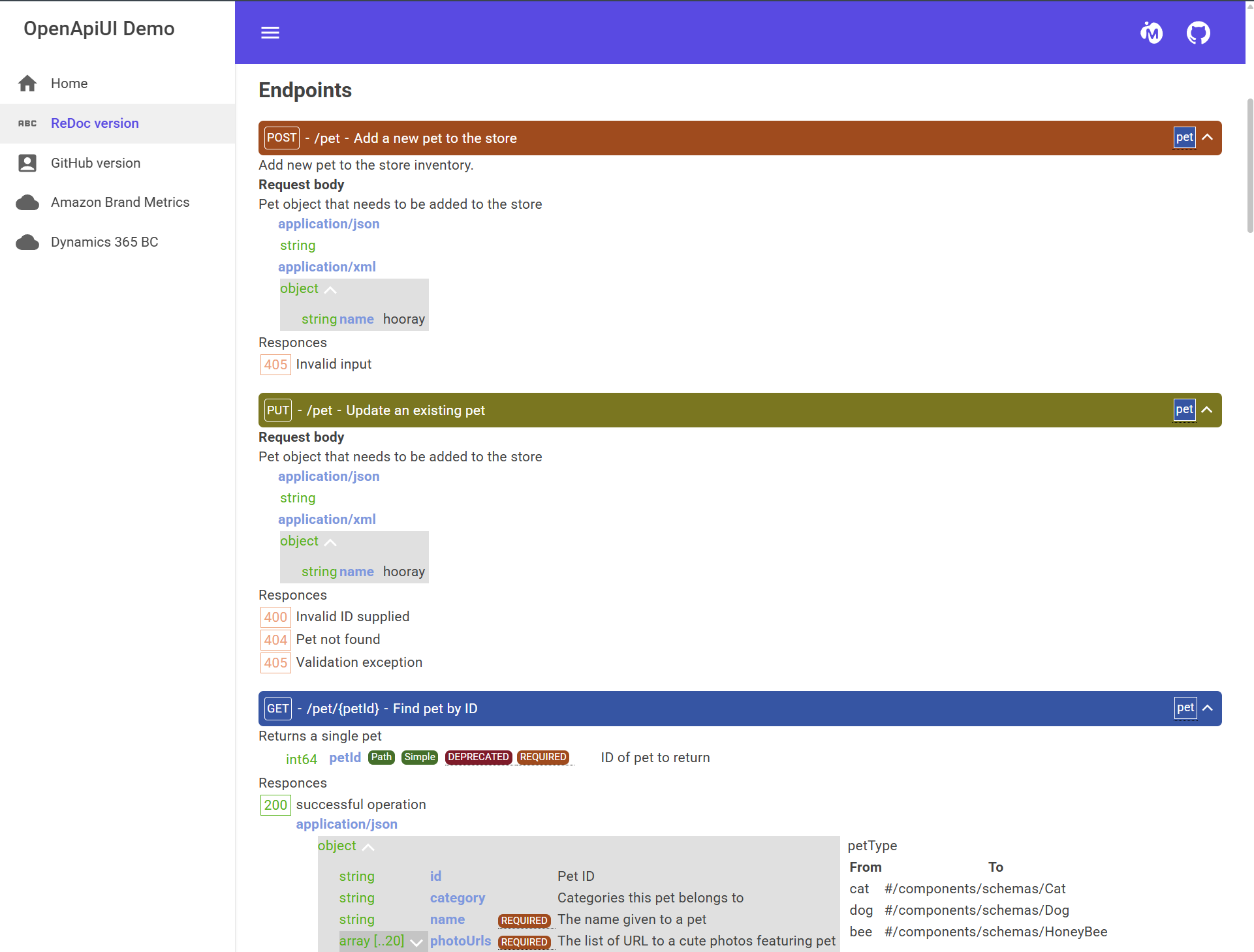{ width=250px }
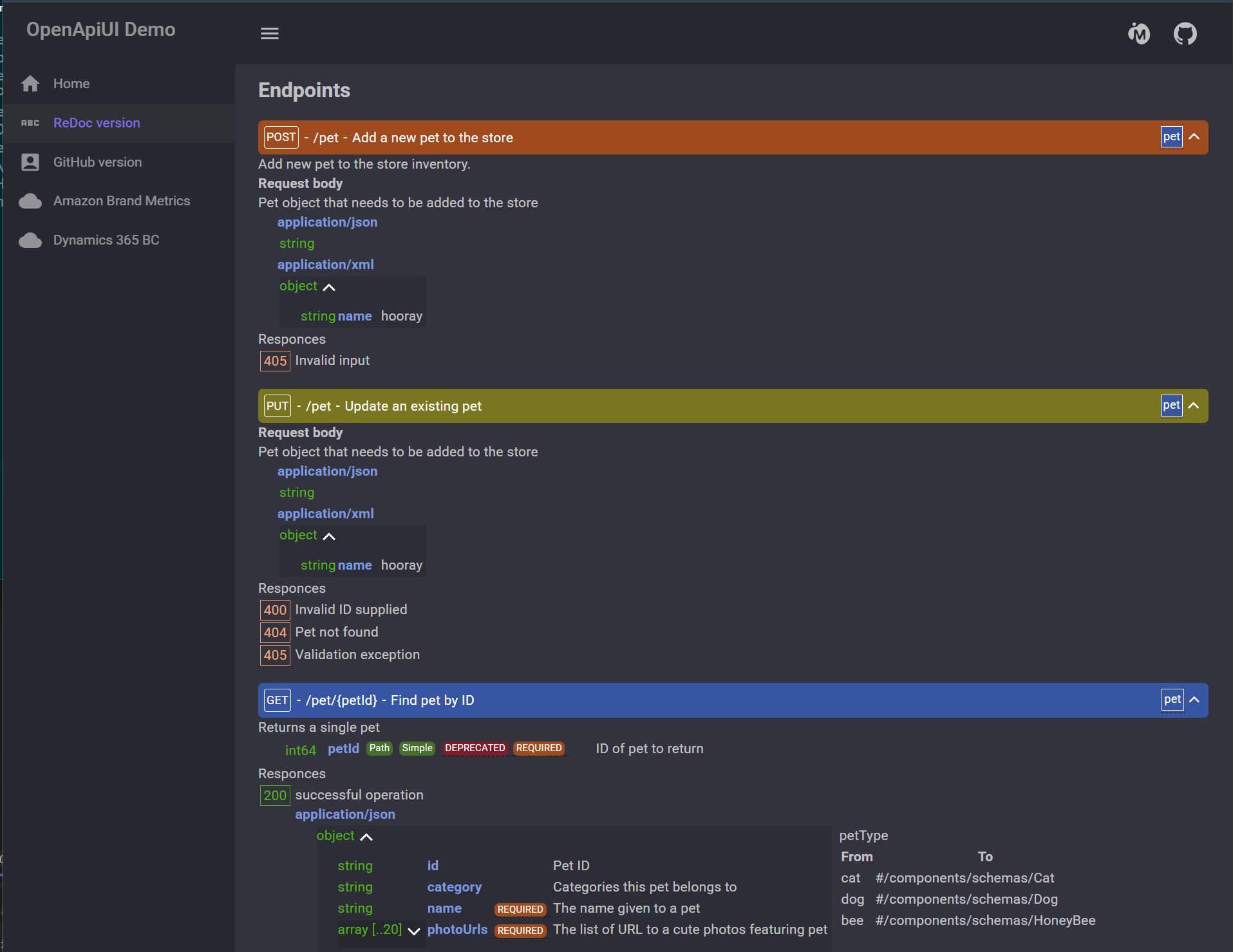{ width=250px }
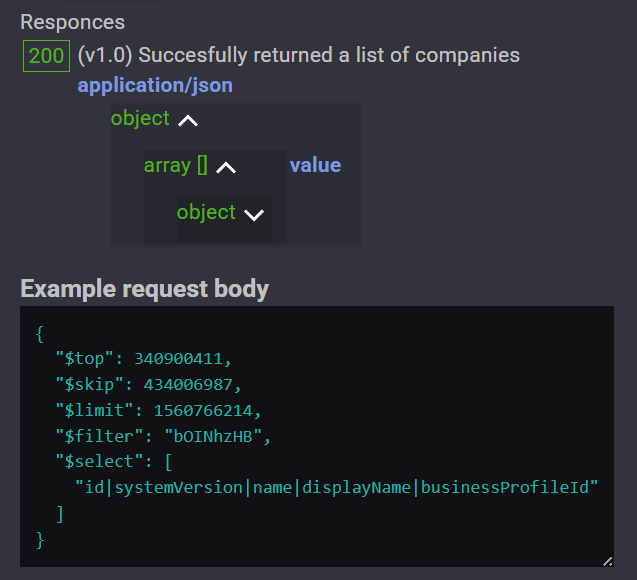]{ width=250px }
## Installation
You can install the package from NuGet:
```bash
dotnet add package BlazorOpenApi
```
Source code:
```bash
Github: https://github.com/unclshura/BlazorOpenApi
HTTPS: https://github.com/unclshura/BlazorOpenApi.git
SSH: git@github.com:unclshura/BlazorOpenApi.git
```
## Features
- View OpenAPI specifications in a user-friendly way
- Dark and light themes
- Fully customizable color palette
- Separate CSS styles for every element
- Examples generation
- Pure Blazor implementation
## Usage
To use the component, add the following line to your `_Imports.razor` file:
```razor
@using BlazorOpenApi
@using BlazorOpenApi.Controls
```
Then, you can use the component in your Blazor application:
```razor
```
To customize the palette you can use something like this:
```razor
@code {
[Parameter]
[SupplyParameterFromQuery(Name = "url")]
public string Url { get; set; } = "https://raw.githubusercontent.com/OAI/OpenAPI-Specification/main/examples/v3.0/petstore.json";
private OpenApiUiPalette TestPalette
{
get
{
var p = new OpenApiUiPalette().Clone();
p.Foreground[7] = "blue";
return p;
}
}
}
```
The demo application is available in the `Demo` folder - https://github.com/unclshura/BlazorOpenApi/tree/master/Demo.
# LICENSE
[MIT](LICENSE)